
Virtual Hair Color Try-On

Upload a photo to our free AI hair color changer for instant transformation

Upload a photo to try different hair colors

Upload a PhotoOpen Camera
Vibrant Pink
Bold Red
Coppery Red
Teal Green
Caramel Blonde
Hypnotic Turquoise
Ash Grey
Electric Blue
Seaweed Green
Honey Blonde
Soft Black
Dark Chocolate
Havana Brown
Medium Brown
Mochaccino Brown
Ice Brown
Dark Beige
Hot Toffee
Champagne Blonde
Sandy Blonde
Honey Ginger
Moonstone Silver
Deep Burgundy
Mulled Wine
Silver Blue
Juicy Grape
Ash Green
Generate My New Look
★ 4.7/510,000+ reviews

What Is a “Virtual Hair Color Changer” and What It Really Does

This virtual hair color changer is an AI-powered tool that allows you to try on hair color using your own photo. It serves as the starting point of a complete AI hair decision ecosystem — linking hair color try-on, tailored recommendations, and additional tools that help you discover your most flattering looks.

Learn More About This Tool

What exactly does this hair color simulator do? It analyzes your selfie, identifies your hair, and layers a realistic shade onto it. Unlike basic social-media filters that apply one flat tone, this AI hair color changer adjusts the shade based on your individual hair characteristics. Every color in the palette has been verified across a broad spectrum of skin tones and hair textures so the preview stays true-to-life regardless of your appearance.

Why does that matter — and why is it better than scrolling through Pinterest boards or trying to picture the result in your head? For starters, hair color regret is a real thing. A tone that looks stunning on a swatch card or on another person can turn out completely different on your own strands. And we all understand how expensive a color correction can be. With an AI hair color changer, you get a realistic glimpse of how a new shade would actually look on your hair — eliminating guesswork before any dye ever touches your strands.

No more depending on imagination or someone else’s inspiration photos. Our virtual hair color try-on puts that preview directly in your hands — so you can see exactly what you’re committing to before making a final call.

Are there any limitations? Although this hair color tester is engineered to deliver a close approximation, keep in mind that it remains a simulation. The actual salon result can vary depending on factors like ambient lighting, your natural base shade, and the coloring technique applied. We always recommend consulting a professional hair colorist before making any real changes to your hair.


How Our AI Hair Color Changer Works

The tool reads your current hair shade, evaluates the lighting and tonal depth of the image, and applies a color overlay accordingly.

STEP 1
Upload a Selfie
STEP 2
Choose a Shade
STEP 3
Preview and Save

Tips for Getting the Most Realistic Hair Color Preview

  1. Start with a sharp, well-lit photo of your face and hair. Natural daylight delivers the best accuracy. Position yourself near a window and make sure the lighting is even so the shade renders as close to real life as possible.
  2. Keep your hair fully visible. Pull your hair forward over your shoulders so the hair color simulator can detect its full length and apply the shade across your entire style.
  3. Try the same shade on multiple photos. A photo taken indoors versus one taken outdoors can show just how dramatically lighting influences the way a color appears.
  4. Use the side-by-side comparison view. The hair color comparison mode places four or nine shades next to each other, making it easier to spot subtle tonal differences.
  5. Save the shades that appeal to you most. A quick screenshot creates a handy visual reference you can bring to your next salon appointment.
  6. Think of the hair color preview as a decision-support tool. The final result in the chair still depends on your natural base color, hair porosity, and the specific technique your colorist selects.


Hair Color Changer: Part of a Complete AI Hair Decision Ecosystem

You may have landed here simply to try a shade that caught your eye — and you’re in exactly the right place. The tool above is free and built precisely for that. But if you’d like to explore even more options, our personalized virtual hair try-on ecosystem helps you see the full picture.
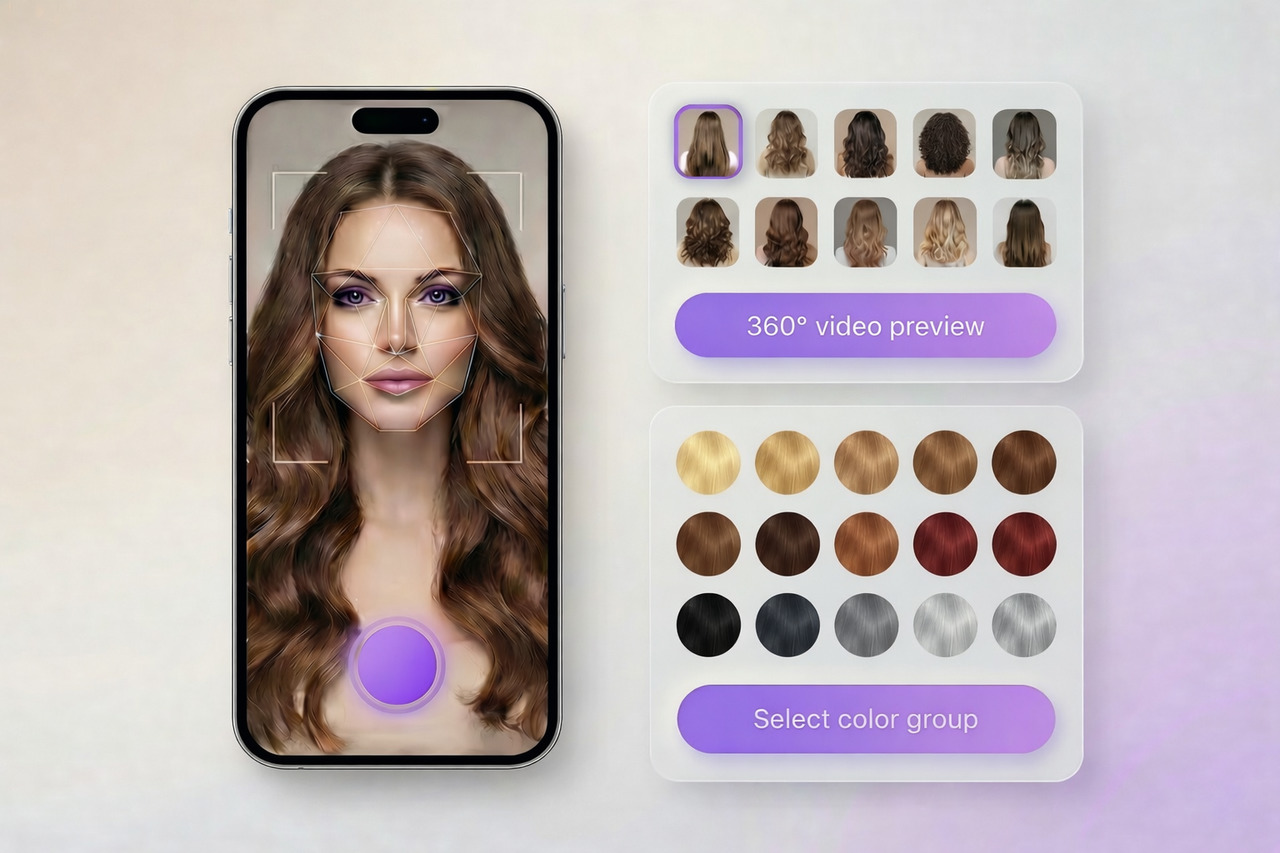
Virtual Styler - try on full hairstyles with color

Try the Full Virtual Styler

The Virtual Styler shows full hairstyles paired with color. It has a collection of hundreds of haircuts that can be viewed in plenty of additional shades. The hairstyle try-on also includes a 360-degree video preview that shows color and shape in motion. You have free try-ons, and no account is required.

Try the Full Virtual Styler
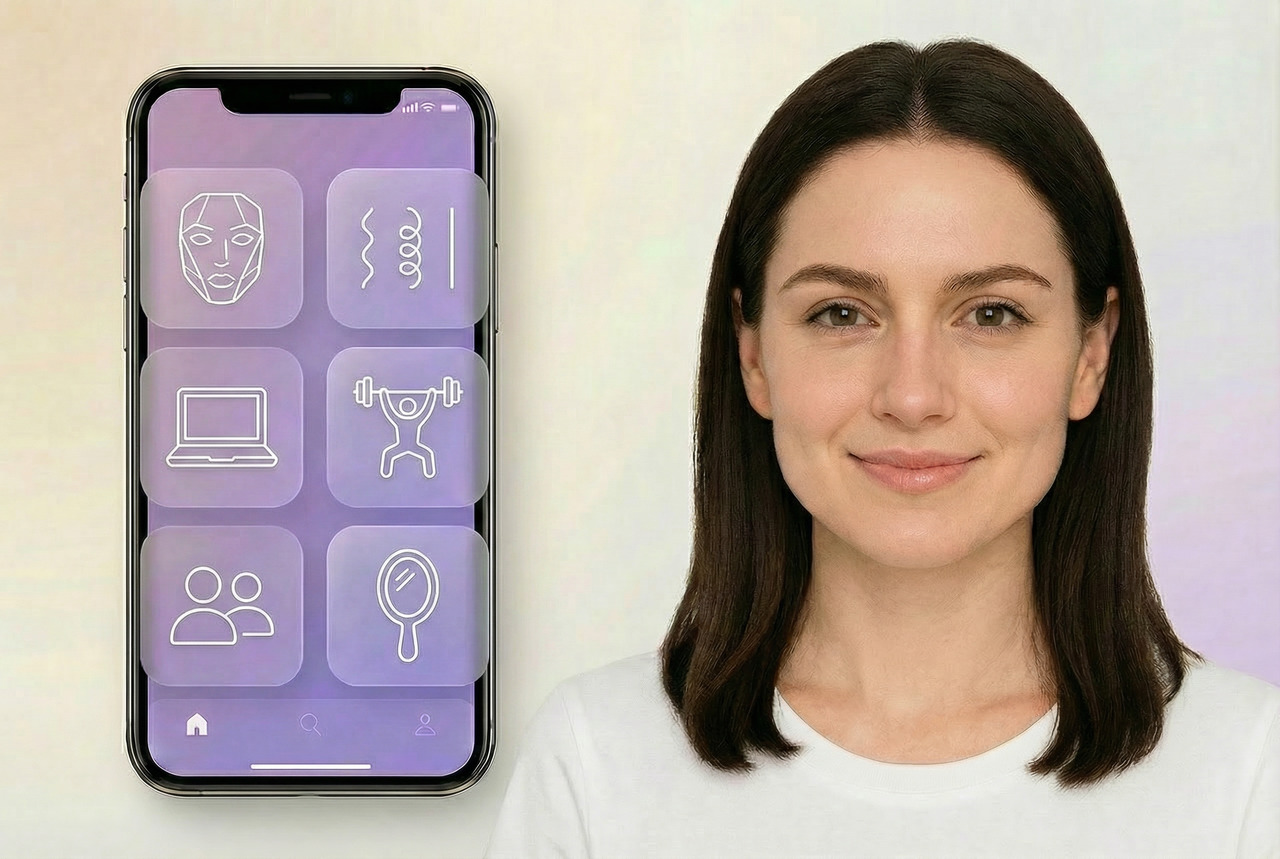
Hair Quiz - personalized recommendations

Take the Hair Quiz

Our three-minute quiz analyzes face shape, hair texture, lifestyle, maintenance options, and other important preferences. The virtual hair try-on then generates recommendations and visual examples tailored to your preferences.

Take the Free Hair Quiz
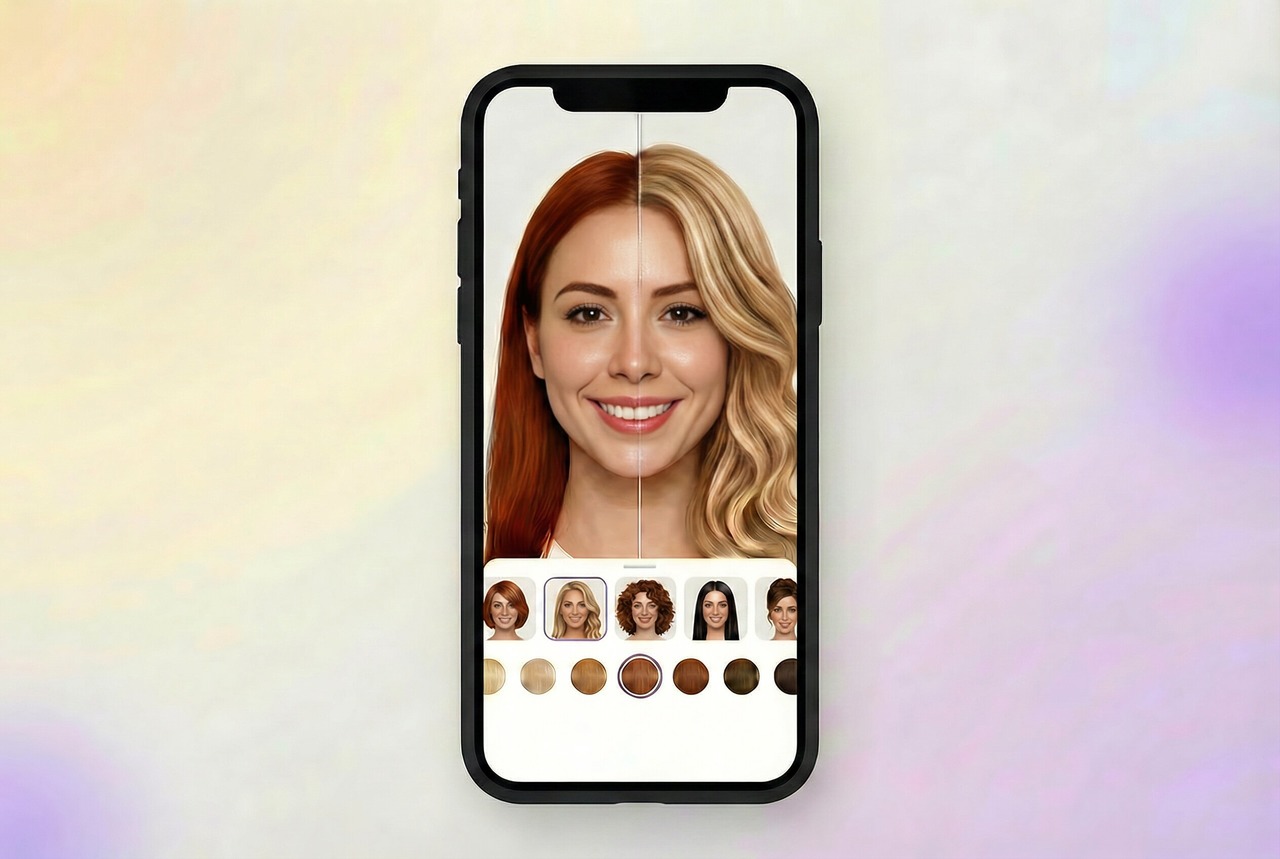
HairHunt App - try hairstyles on mobile

Opt for HairHunt App

HairHunt brings the full experience to iOS and Android. The app includes the same gallery of cuts and colors along with the same preview tools you see on the site, plus additional features, such as a hair appointment diary. It syncs with your web account for you to test looks and build your own virtual hair makeover ideas wherever inspiration strikes.

FAQ: Virtual Hair Color Try-On

Concise answers to the most common questions people ask before using a virtual hair color try-on tool.

What is TheRightHairstyles Hair Color Changer and how does it work?

Our hair color changer is an AI-driven tool that precisely maps your hair area and overlays a new shade onto it. Simply upload a selfie and tap on the color you’d like to try on. It’s a fast and effortless way to see yourself with a new hair color before you commit.

Upload your photo — Begin with a clear, front-facing selfie. Natural light helps, and your hair should be fully visible around the face and shoulders. The AI hair color changer scans the image and isolates the hair area, letting you change hair color on a photo without altering the skin or background.

Select a shade to test — Browse the palette and begin your hair color try-on. The hair color tester features a range of options — from classic blonde, brunette, and black to bolder shades such as copper, pink, and teal. You can preview a single shade or compare several options side by side.

See your result — The color appears on your actual hair texture within seconds. Save the image or grab a screenshot to show your stylist. Our team has tested every shade update against real salon outcomes to keep the preview faithful to reality.


How accurate are virtual hair color changers?

A hair color simulator delivers a close approximation of how a shade may look on your hair, although results will differ depending on your photo quality and lighting conditions. Treat it as a helpful reference point rather than a guarantee — the real-life result also depends on your starting shade, hair porosity, overall condition, and the colorist’s technique.


Does the hair color changer work on dark hair?

The basic version of this AI hair color changer applies the chosen shade as an overlay on the hair it detects in your photo. If your hair is very dark, lighter tones may appear as a subtle wash. In a real salon, achieving that level of lift usually requires bleaching or multiple sessions.


Is my photo stored after I use the tool?

No. Your photo is processed in real time and is never saved on our servers. You can use the hair color app without creating an account.


Is this hair color changer free?

Yes. This version of TheRightHairstyles virtual hair color app is entirely free to use. Every shade in the palette is available with no sign-up and no hidden fees.


How many hair colors can I try?

Our free hair color generator lets you explore a comprehensive palette that spans natural classics to daring fashion shades. You can try on icy and warm blondes, add depth with versatile brunettes and rich blacks, or safely preview tricky coppers and burgundy reds. For a more dramatic transformation, experiment with contemporary silvers, transitional grays, and vibrant creative tones like pink and teal to discover what best complements your complexion before you make a commitment. The hair dye filter also lets you line up multiple shades for easy comparison.


Why does hair color look different on different people?

Every shade interacts with your individual physical characteristics and surroundings. Your complexion’s warm or cool undertones play a key role — they determine the best hair color for your skin tone and whether a shade will naturally enhance your look or clash with it. Beyond that, your starting base color, hair porosity, and any prior chemical treatments all affect how your strands absorb different hair dye colors. Ultimately, everything from the colorist’s specific mixing formula to the lighting in the room will shift how the finished hue appears on your unique hair.


Can I use this on my phone?

Absolutely — it works on every device, including smartphones and tablets. You can upload a photo from your gallery or snap a fresh one with your camera. If you want the complete mobile experience with additional professional hairstyle try-ons, the HairHunt app is available for iOS and Android.


What’s the difference between a hair color changer and a full virtual try-on?

A hair color changer applies new shades to the hairstyle you already have. A full virtual try-on tool — such as the Virtual Styler (and its HairHunt app) — lets you try different hair colors combined with trendy hairstyles and even view them in a 360-degree preview.


How can I find the best hair color for my skin tone?

Begin by determining your skin’s undertone — warm, cool, or neutral. Warm undertones typically complement golden blondes, coppers, and rich browns, while cool undertones tend to look best with ashy blondes, burgundies, and blue-blacks. Neutral undertones enjoy the widest flexibility. Our Hair Quiz can help narrow down the ideal options based on your features and preferences, and you can then preview any shade using the hair color changer above.


What color should I dye my hair?

If you’re unsure what color to dye your hair, start by experimenting with our free hair color try-on tool. Upload a selfie and try on a few shades that interest you — seeing the result on your own face often makes the decision much easier. For more tailored guidance, take our Hair Quiz, which factors in your skin tone, natural hair shade, lifestyle, and personal style to suggest colors that are likely to suit you best.


Why Millions Trust The Right Hairstyles

The Right Hairstyles has been an independent editorial platform since 2013 and has grown into one of the leading tech-powered resources for hair-related solutions. Over 320,000 people have explored our AI tools, including the Hair Color Changer, the Hair Quiz, and the Virtual Hair Try-On. Users have submitted more than 10,000 reviews, with an average rating of 4.7 out of 5.

Our team keeps product recommendations unbiased because we do not partner with hair dye brands. Our free tools give you a truthful preview of your potential results, and we clearly disclose every known limitation. We help you see before commit — so you never have to guess or deal with the fallout of an unwanted color.

Ready to try a new hair color? Pick from our suite of AI-powered hair tools and see your transformation in seconds. It might completely change how you approach hair decisions — and your very next salon visit.

Try Hair Color NoworTake the Hair Quiz